
Affiliate Disclosure: The Scientuit may earn a small commission from qualifying purchases made through links in this article, at no extra cost to you.
You open a browser, type “thescientuit.com,” and within a fraction of a second, a webpage appears. Text, images, and videos load almost instantly. It feels like magic.
It is not magic. It is an intricate, decades-old system of physical cables, agreed-upon rules, and distributed computers — all working in concert to move information at nearly the speed of light. Understanding how it works doesn’t make it less impressive. It makes it more so.
Here is what actually happens when you go online.
The Internet Is a Network of Networks
First, a clarification that surprises many people: the internet is not owned by anyone. There is no central server, no master computer, no single company that runs it all. The internet is, at its core, a global network of networks.
Millions of separate computer networks — run by internet service providers, universities, corporations, and governments around the world — have agreed to connect to each other and share information using a common set of rules. Those rules are what make it possible for your laptop in one country to communicate with a server in another without anyone explicitly routing your request through.
Think of it like the global road system. No single entity owns all the roads. Different roads are managed by different authorities. But because they all connect and follow compatible rules (drive on the right, or left, depending on country — but consistently), you can drive from anywhere to almost anywhere.
IP Addresses: Every Device Has an Address
For two computers to communicate, they need to be able to find each other. On the internet, this is done through IP addresses — a string of numbers that uniquely identifies every device connected to a network.
The older system, IPv4, assigns addresses like 192.168.1.1 — four numbers, each between 0 and 255. That gives roughly 4.3 billion unique addresses. That sounds like a lot until you realize there are more than 15 billion devices connected to the internet today. IPv4 addresses ran out.
The newer system, IPv6, uses a much longer format — eight groups of four hexadecimal digits — and provides approximately 340 undecillion unique addresses. That number, written out, would have 38 digits. We will not run out anytime soon.
Your device has an IP address. The server hosting any website you visit has an IP address. When you request a webpage, your request travels from one address to another.
DNS: The Phone Book of the Internet
There is a problem with IP addresses: humans are bad at remembering them. No one types “172.217.3.110” to visit Google. They type “google.com.”
The Domain Name System — DNS — is what bridges that gap. DNS is essentially a massive, distributed directory that translates human-readable domain names into the numerical IP addresses that computers actually use.
When you type a URL into your browser, the first thing that happens — before anything else — is a DNS lookup. Your computer sends a query to a DNS server (usually operated by your internet service provider, or a public one like Google’s 8.8.8.8) asking: “What is the IP address for thescientuit.com?”
The DNS server looks it up and sends the answer back. Your browser now has a destination IP address. The whole process typically takes milliseconds.
DNS is one of the internet’s invisible backbones. When it fails — as it occasionally does — huge swaths of the web become unreachable, even though all the physical infrastructure is fine. It is, in a very literal sense, the phone book that makes the internet navigable.
Data Packets: Information Travels in Pieces
Here is something that might seem counterintuitive: when you load a webpage, that webpage is not transmitted as a single, complete file traveling from server to your screen. It is broken into thousands of small chunks called packets.
Each packet contains a small piece of data plus a header — information about where the packet came from, where it is going, and how it fits together with the other packets. These packets travel independently across the network. Different packets from the same webpage might take completely different routes to reach you, depending on which paths are fastest or least congested at that moment. When they all arrive, your computer reassembles them in the right order.
This approach — packet switching — was one of the fundamental design innovations of the early internet. It is far more efficient and resilient than sending files as single continuous streams. If one part of the network goes down, packets simply route around it. There is no single point of failure.
TCP/IP: The Rules That Make It All Work
For packets to travel across a global network of different hardware, software, and operators, everyone has to agree on the rules. That agreement is TCP/IP — the Transmission Control Protocol and Internet Protocol.
IP handles addressing: it specifies how packets are labeled with source and destination addresses so routers know where to send them.
TCP handles reliability: it ensures that all packets arrive, that they are reassembled in the correct order, and that any missing packets are re-requested. Think of IP as the addressing on an envelope and TCP as the postal service that guarantees delivery and follows up if a package goes missing.
Together, TCP/IP is the foundational language of the internet. Every device that connects to the internet speaks it. It was developed in the 1970s by Vint Cerf and Bob Kahn — two people who don’t get nearly enough credit for designing the backbone of modern civilization.
Routers: The Traffic Directors
As packets travel across the internet, they pass through routers — specialized devices whose only job is to read each packet’s destination address and decide which direction to send it next.
A packet might pass through 10, 20, or 30 routers on its journey from a server to your screen. Each router makes a rapid decision about the next hop. Collectively, these routers form the routing infrastructure that makes the internet’s decentralized design possible. No single router needs to know the whole map — it just needs to know which direction to pass the packet, and the next router takes over from there.
Undersea Cables: The Physical Reality of the Internet
People often imagine the internet as wireless — data floating through the air. In reality, roughly 95% of international internet traffic travels through undersea fiber optic cables.
There are more than 400 of these cables crisscrossing the ocean floor, stretching for over 1.3 million kilometers in total. Each cable is roughly the diameter of a garden hose and contains several strands of fiber optic glass, each thinner than a human hair, each capable of carrying enormous amounts of data as pulses of light at close to the speed of light.
These cables are owned and operated by consortiums of technology companies and telecom providers. When one is damaged — by ship anchors, earthquakes, or fishing trawlers — it can significantly disrupt internet service for entire regions. In 2022, when a volcanic eruption severed Tonga’s only undersea cable, the island nation was largely cut off from the internet for weeks.
The cloud runs on underwater cables. It always has.
What Actually Happens When You Load a Website
Let’s put it all together. Here is the complete sequence of events that happens in the fraction of a second after you press Enter:
- Your browser performs a DNS lookup to find the IP address of the website’s server.
- Your browser sends a connection request to that IP address using the TCP protocol, establishing a reliable communication channel.
- Your browser sends an HTTP or HTTPS request asking for the webpage’s content.
- The server receives the request, finds the relevant files, and sends them back as a series of data packets.
- Those packets travel through routers across the internet (possibly through undersea cables if the server is in another country) and arrive at your device.
- Your browser reassembles the packets, interprets the HTML, CSS, and JavaScript, and renders the page on your screen.
This entire process — six steps involving potentially dozens of machines on multiple continents — typically completes in under a second. Often in under 100 milliseconds.
HTTP vs. HTTPS: What the Padlock Means
When you see “https://” in your browser’s address bar and a padlock icon, it means your connection to the website is encrypted. The “S” stands for Secure, and it refers to a protocol called TLS (Transport Layer Security) that scrambles the data traveling between your browser and the server.
Without HTTPS, anyone who can intercept the packets between you and the server — your ISP, someone on the same wifi network, a government — can read the contents of your connection. With HTTPS, they see only encrypted gibberish. They know you visited a site, but not what you did there.
As of 2024, more than 95% of web traffic is encrypted via HTTPS. That is a significant improvement from even a decade ago, and a quiet but important victory for internet privacy.
The Cloud: Someone Else’s Computer
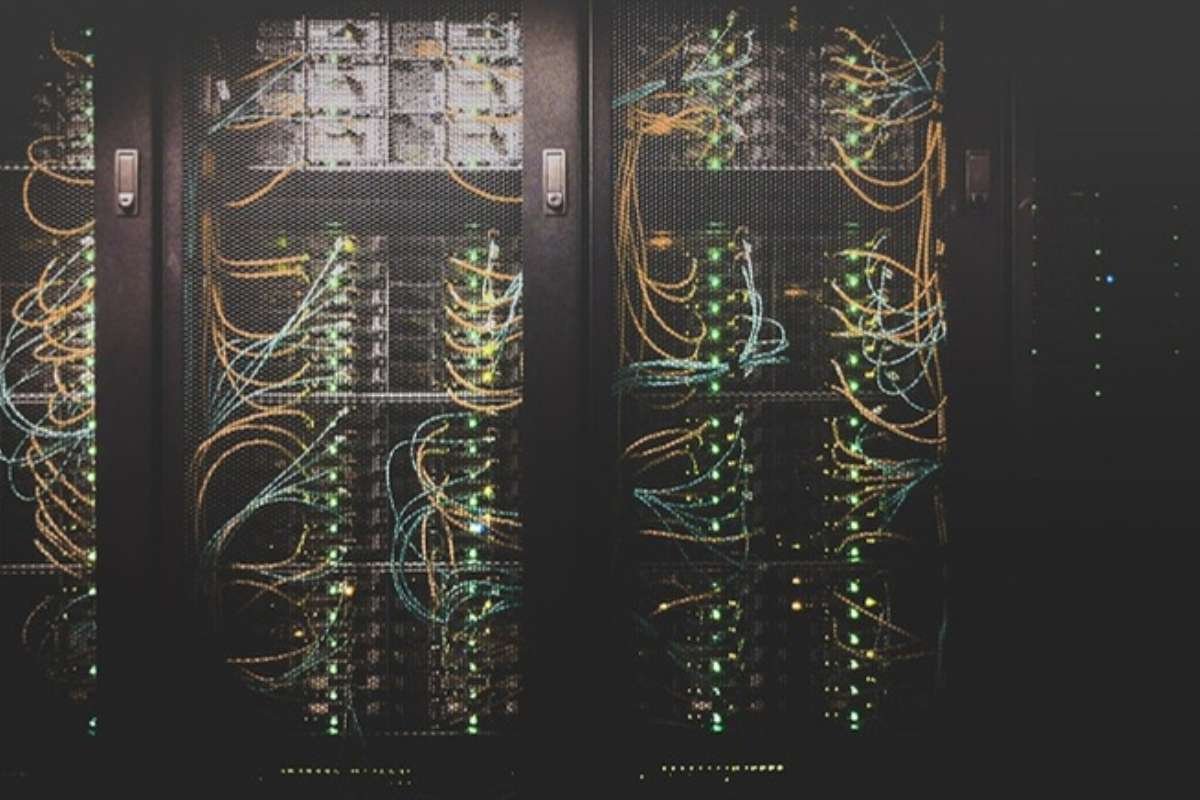
When people say their photos are “in the cloud,” they mean those photos are stored on servers in large data centers owned by companies like Amazon, Google, or Microsoft. The cloud is not a metaphysical concept — it is a physical building, somewhere, full of computers, cooled by enormous air conditioning systems, consuming significant amounts of electricity.
“The cloud” became the default term because, from the user’s perspective, the location of the storage is irrelevant. Whether your data sits in a data center in Virginia or Oregon or Ireland, it reaches you through the same internet infrastructure at the same speed. The physical location is abstracted away — it floats invisibly, like a cloud.
The internet, it turns out, is both more physical and more magical than most people realize. Miles of undersea cable, billions of routing decisions per second, and protocols designed half a century ago — all working together to put a webpage on your screen before you’ve even noticed it was loading.
The internet didn’t invent itself — it was built by extraordinary people who imagined a connected world before it existed. Walter Isaacson tells that story better than anyone.